Procore Is Built for Enterprise Construction Firms.
Your Team Isn’t.
There’s a pattern that shows up again and again in small construction teams, but it rarely gets talked about directly.
A team starts to grow. Maybe they’ve taken on a few more jobs than usual, or maybe things just feel more complicated than they used to. Communication gets heavier. There are more updates to track, more people involved, more chances for something small to turn into a real issue.
At some point, someone says it: we need a better system.
So they do what most teams do. They look into project management software. They sign up for a trial, click around, maybe even try to set up a job or two.
And then, almost as quickly as it started, they stop using it.
Not dramatically. Not with a clear decision. It just fades out. They go back to texting. Back to quick calls. Back to whatever they were doing before.
If you’ve experienced this, it can feel like a failure — like maybe the team didn’t commit to it or didn’t give it enough time. But when you step back, it becomes clear that this isn’t an exception. It’s the norm.
The question isn’t why teams give up. It’s why this keeps happening in the first place.
The common explanation is that people resist change. That construction teams are set in their ways and don’t want to adopt new systems.
But that doesn’t really hold up.
Small teams adopt tools all the time, as long as those tools make their work easier. They pick up new apps, new ways of communicating, new ways of sharing information without much hesitation when it actually helps them move faster.
What they don’t adopt are tools that slow them down before they speed them up.
That’s where most project management software misses the mark. It isn’t that the tools are bad. In many cases, they’re incredibly well-built. The issue is that they’re built for a different kind of organization.
They assume structure. They assume roles. They assume someone has the time and responsibility to manage the system itself.
That might work in a company with dedicated project managers or office staff. But in a small construction team, the same people doing the work are also responsible for keeping everything moving. There isn’t extra capacity to learn a system that requires setup, training, and ongoing maintenance before it becomes useful.
So instead of feeling like support, the software feels like another job.
What makes this more frustrating is that the need for organization is very real.
In the early stages, most teams rely heavily on texting, quick calls, and informal updates. And for a while, that works surprisingly well. When there are only a few jobs happening at once, everything stays within reach. Information doesn’t travel far, and it’s easy to keep track of what’s happening.
But that system has a limit, and it’s not always obvious until it’s already been crossed.
As the number of jobs increases, or as the complexity of each job grows, communication starts to scatter. Messages get buried under new ones. Photos are sent, but not always easy to find later. Tasks are mentioned, but not always clearly assigned or tracked.
Nothing breaks all at once. Instead, small things begin to slip.
A missed update here. A repeated conversation there. A moment where someone assumes something is done when it isn’t.
Individually, these don’t seem like major issues. But over time, they compound. The team starts spending more energy managing communication than actually moving the work forward.
That’s usually the point where software enters the conversation.
In theory, this is exactly what project management tools are designed to solve. They promise structure, visibility, and control. Everything in one place. Nothing falling through the cracks.
But when a small team tries to adopt one of these systems, the experience often doesn’t match the promise.
Instead of simplifying things immediately, the tool introduces a layer of friction. It requires setup before it provides clarity. It asks the team to change how they communicate, how they track work, and sometimes even how they think about their jobs.
For a team already stretched thin, that’s a difficult tradeoff to accept.
Even when the intention is good, the reality is that the tool has to compete with something that already works — even if it works imperfectly. Texting is fast. It’s familiar. It doesn’t require anyone to stop and think about how to use it.
So when the software doesn’t immediately outperform that experience, it loses.
And when it loses, the team doesn’t usually try again right away. They go back to what they know, even if they know it isn’t sustainable long-term.
What’s interesting is that when small construction teams do find something that works, the shift isn’t dramatic or complicated.
They don’t suddenly adopt complex workflows or layered processes. They don’t become hyper-organized overnight.
What changes is much simpler than that.
Information becomes easier to find. Communication becomes more visible. Tasks become clearer without needing constant follow-up.
The system doesn’t force discipline — it supports it.
And most importantly, it doesn’t feel like a separate tool. It feels like a natural extension of how the team already operates.
That’s the difference.
When you look at it this way, the failure of most software isn’t about features. It’s about alignment.
If a tool requires a team to change too much, too quickly, it won’t stick. If it adds work before it removes it, it won’t last. And if it doesn’t fit into the reality of how construction teams actually operate day to day, it will always feel like something extra instead of something essential.
For small teams, the bar isn’t “does this tool do everything?”
It’s “does this make my day easier right now?”
That’s a much harder standard to meet.
If you’re considering trying something again, it’s worth approaching it from a different angle.
Instead of asking what features a system offers, it might be more useful to ask whether your team would actually use it without being pushed. Whether it would hold up in the middle of a real job, not just in a demo environment. Whether it reduces effort immediately, instead of promising to do so later.
Those are the questions that tend to lead to better decisions.
Because at the end of the day, the goal isn’t to adopt software. It’s to create a system that actually works under pressure.
And for small construction teams, that system has to feel as natural as the work itself.
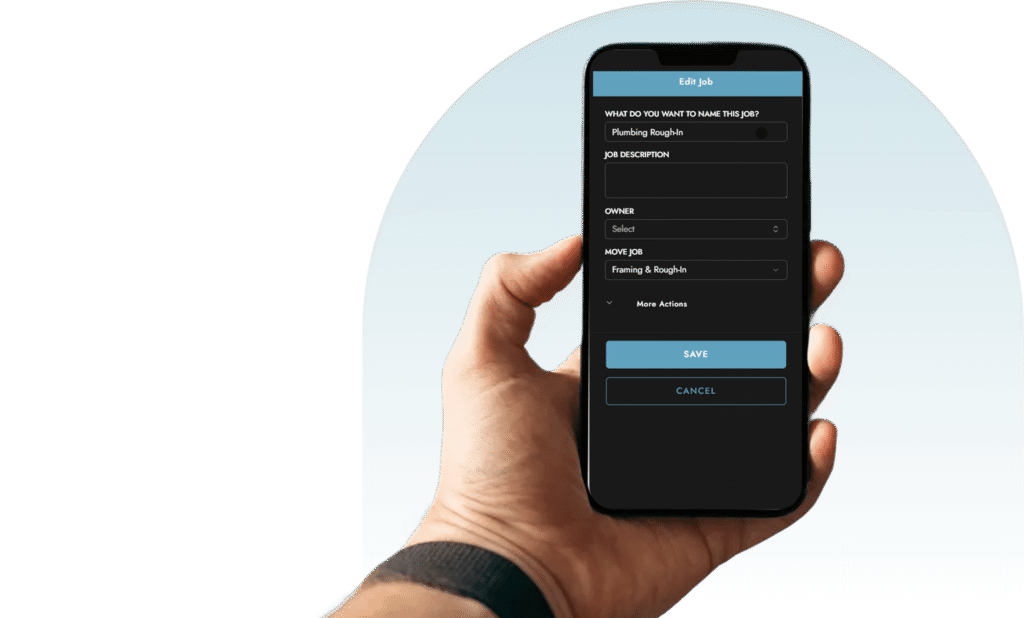
If you want to see what that looks like in practice, you can watch a short walkthrough of how a real job runs inside Measure here: https://measureforconstruction.com/see-measure-in-action/
Ready to Ditch Complex Project Management?
Measure is simple enough to get started today, powerful enough to grow with your business — and affordable enough to save you thousands a year
- Set up in less than an hour
- No tech team needed
- Transparent pricing